

Key Takeaways
A data dictionary is a central repository of metadata that keeps everyone aligned on what data means and how to use it. While spreadsheets can work as a quick fix, they don’t scale and quickly become outdated. For growing teams, an automated platform like Coalesce Catalog ensures definitions, lineage, and governance stay accurate and up to date—turning the dictionary into a reliable source of truth.
If you’ve ever worked on a data team, you’ve likely run into the same recurring challenges: scattered tables, unclear field names, duplicated metrics, and a constant stream of Slack messages asking, “Where can I find the right data for this?” or “What does this column actually mean?”
When analysts spend more time deciphering data than analyzing it, productivity stalls. That’s where a data dictionary comes in—a central resource that helps teams answer critical questions quickly and get back to solving problems.
But what exactly is a data dictionary? How is it different from a glossary or a catalog? And should your team build one from scratch, or rely on an automated solution?
What is a data dictionary?
A data dictionary is a structured repository of metadata for a system. It captures key information about each schema, table, file, event, or column—such as field names, data types, descriptions, allowed values, and more.
Think of it as documentation about your data. For example, the metadata for a file could include its name, owner, number of records, date of last update, and whether it allows null values. Instead of digging through the entire dataset, you can simply consult the dictionary.
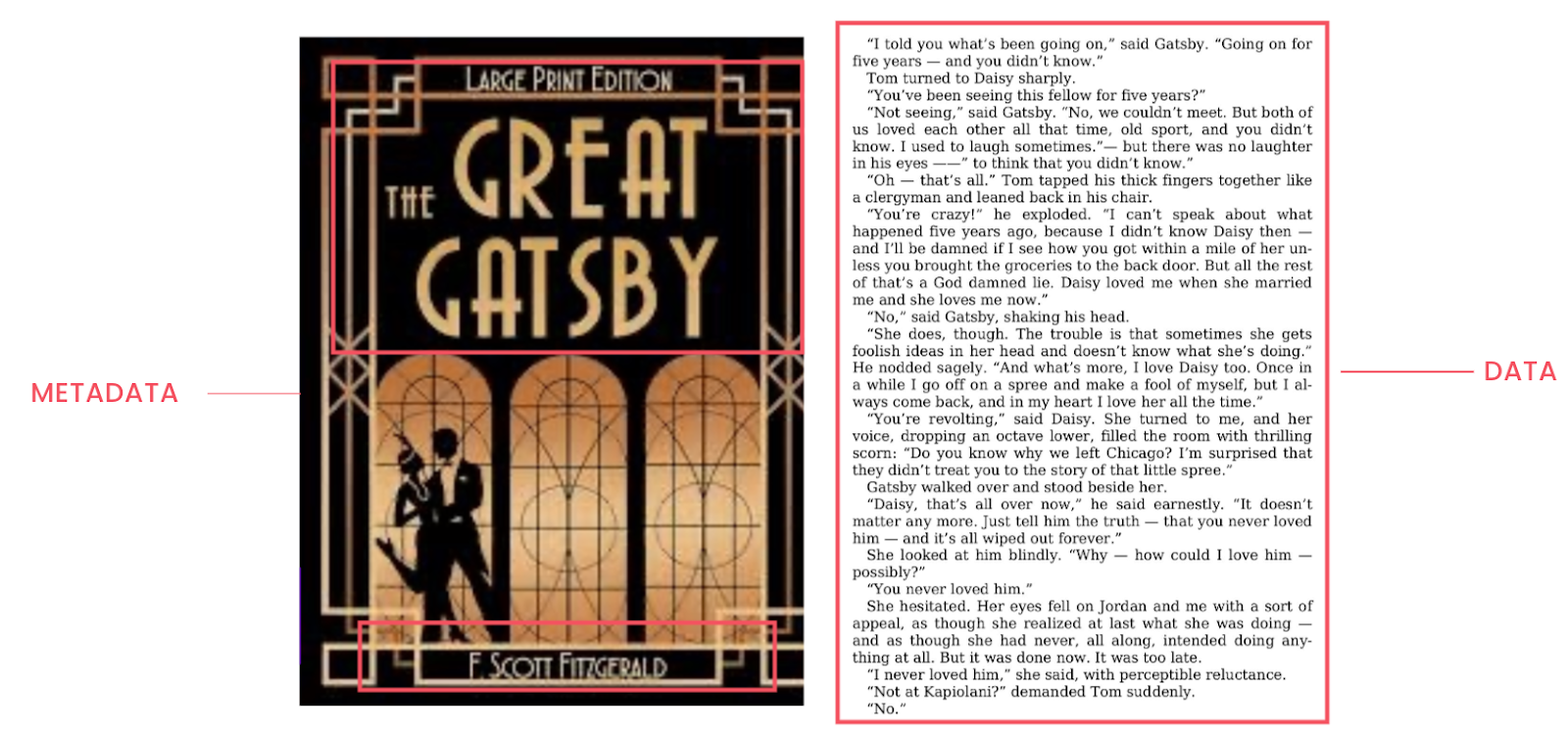
Let’s say you manage a customer database. The dictionary entry for the column “name” might include:
- Column name: name
- Description: Customer’s full name
- Data type: String
- Nullable: No
- Unique: Yes
And for each table, the dictionary might include:
- Table name
- Location (database, schema, file path)
- Description
- Column-level metadata
- Data quality fields (e.g., refresh frequency, completeness)
By making this metadata easily accessible, a data dictionary helps teams understand and use data without having to scroll through raw tables.
What is a data dictionary used for?
A data dictionary’s main role is to align everyone in the organization around how to interpret and use data. It helps avoid misunderstandings—like when marketing, sales, and finance teams each define “customer” differently. For example:
- Finance: Customers who paid within a time frame
- Sales: Customers who signed a contract
- Marketing: Anyone active, including those on free trials
Without shared definitions, reporting breaks down. A data dictionary helps resolve these issues by providing:
- Documentation: Offers clear, consistent information about data sources for all users
- Communication: Establishes a shared vocabulary across departments
- System analysis: Helps analysts understand system design and data flow
- Data integration: Promotes consistent field usage during merges and transformations
- Governance: Highlights which fields contain sensitive data like PII
- Decision-making: Informs strategy with well-defined, trustworthy data
Can I build a data dictionary without a software platform?
Yes, it’s possible to start without investing in a dedicated platform. Many teams begin with the simplest option: a shared spreadsheet. This can be a helpful first step if you’re just getting started with documentation and need a lightweight way to track datasets, owners, and definitions.
But here’s the challenge: spreadsheets don’t scale. They require constant manual updates, quickly become outdated, and introduce the very problem they were meant to solve—uncertainty. Before long, you’ll find yourself asking the same questions again: Who owns this table? Is this field definition still valid? When was this last updated?
Relying on spreadsheets for your data dictionary introduces several issues:
- Manual upkeep: every change to your data model or warehouse schema has to be entered by hand. If someone forgets, the dictionary is already stale.
- Fragmentation: multiple versions of the file inevitably start circulating on Slack or email, and nobody knows which one is the “source of truth.”
- Limited visibility: spreadsheets don’t provide lineage, usage stats, or governance flags, which are critical in larger environments.
- Context gaps: technical fields might get listed, but without connections to business terms or dashboards, the dictionary stays disconnected from how people actually use data.
For very small organizations, a spreadsheet can work as a stopgap. It at least forces the team to write down something instead of relying on tribal knowledge. But once your environment grows—or if you care about governance and accuracy—you’ll quickly hit the ceiling of what’s possible with a manual approach.
That’s where platforms like Coalesce Catalog come in.
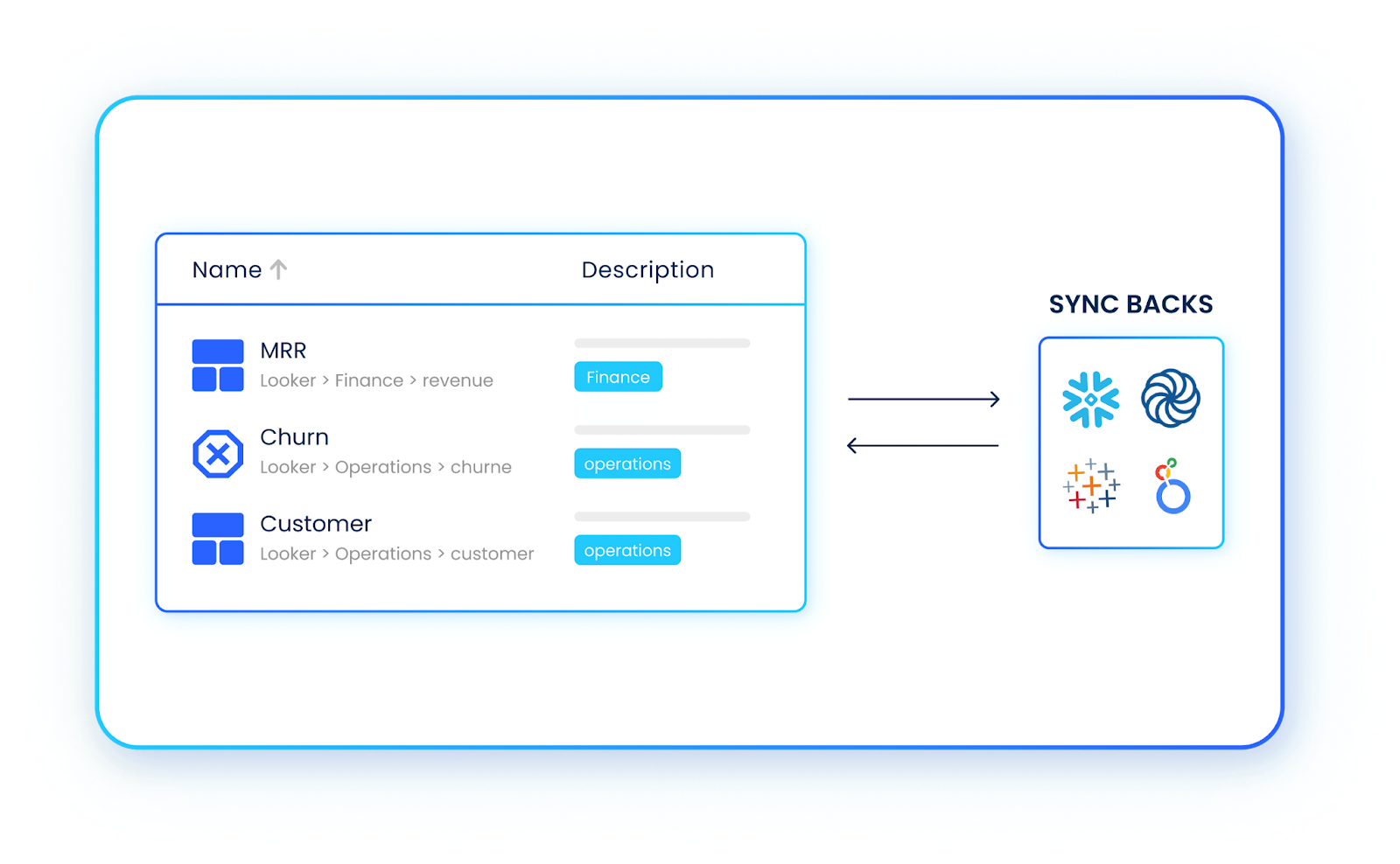
Instead of relying on manual entry, the Catalog automatically:
- Scans your warehouse to populate table and column-level metadata
- Surfaces lineage so you can see where data comes from and how it’s used
- Links business definitions to live datasets so terminology and metrics stay consistent
- Flags sensitive or PII fields for compliance purposes
- Keeps everything synchronized as your models and schemas evolve
The difference is night and day: instead of chasing down definitions and owners in spreadsheets, your team has a single, trustworthy place to understand and use data.
Take an automated, scalable approach with Coalesce
While a spreadsheet works for small data environments, it becomes difficult to manage as your system grows. That’s where a platform like Coalesce Catalog can help. It automatically scans your warehouse, populates column-level metadata, and connects your definitions to live datasets.
Want to see how this works in practice? Explore how Coalesce handles data documentation, lineage, and governance in its Catalog.
Frequently Asked Questions
A data dictionary is like a reference guide for your data. It lists details about each table, column, or field—such as its name, type, and definition—so everyone knows what the data means and how to use it.
A glossary defines business terms in plain language (e.g., what “customer” means), while a dictionary documents the technical details of datasets (e.g., field names, data types). Both are complementary.
A data catalog is broader: it combines dictionaries, glossaries, lineage, and usage stats into one searchable platform. A dictionary is often a building block of the catalog.
Yes, many teams start with spreadsheets. But they require constant manual updates and quickly become outdated. They work for very small setups but don’t scale.